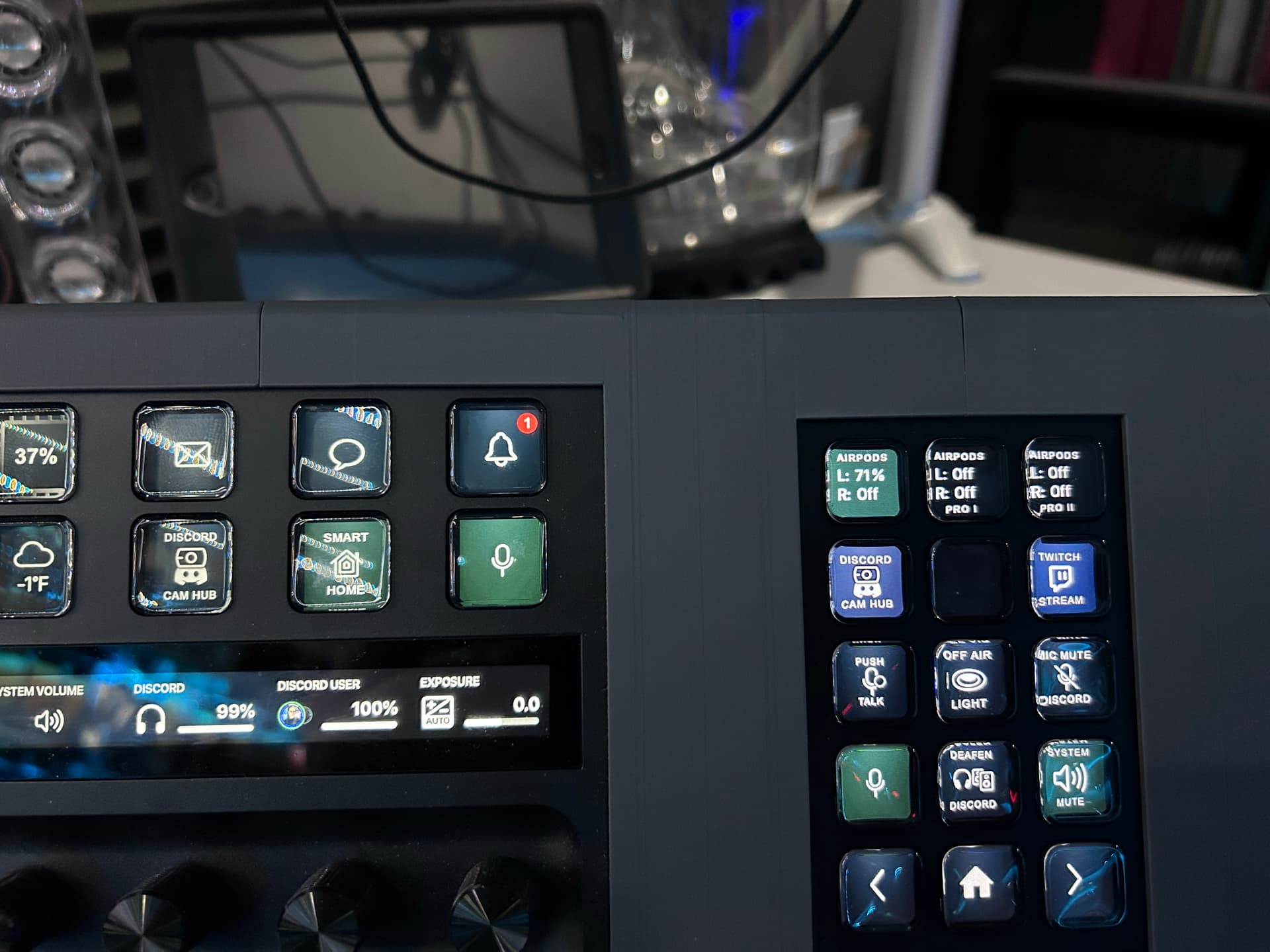
I have an issue with stream deck buttons created in BTT not updating data (AFTER WAKING FROM SLEEP) until I switch screens or restart BTT and Stream Deck software. I created a button to refresh the button on press (code below), and that doesnt work either. Any help with this issue?
tell application "BetterTouchTool"
refresh_widget "xxxxxxxxxxxxxxCE-5275A73FBCD4"
end tell
BTT tries to auto restart the elgato app when it discovers the connection has been invalidated, unfortunately that sometimes doesn’t work.
(and in general is not a good solution, but unfortunately the Stream Deck API is missing a small but important part that would make it work seamlessly.
Ah, well if a reset of elgato works, I'll just use create an automation to quit and reopen Streamdeck every time the computer wakes from sleep! Works for me.
@Andreas_Hegenberg I meet the same issue. I have to restart BTT to make it work again.
I check Logs in Variables & Scripting. It appears that BTT has already caught the key events from StreamDeck when I press button. However, BTT doesn’t execute StreamDeck trigger.
There are two BTT button on StreamDeck (plugin mode). Button A is configured a named trigger to lock screen. Button B is configured to show a HUD message.
Workaround 1:
Press Button A. The system is locked. It works on first time.
Login system to unlock.
Press Button A. It doesn’t work.
Restart BTT or StreamDeck software. Button A works again.
Workaround 2:
Press Button A. The system is locked. It works on first time.
Wrote this script/trigger. When Mac wakes from sleep, it kills process and restarts. Works 100% of the time now!
-- Fully safe restart of Stream Deck after wake

-- Force-quit Stream Deck if running (no AppleScript commands)
do shell script "pkill -f 'Stream Deck' || true"

-- Wait for the system to finish waking
delay 3

-- Attempt launch up to 5 times
set launched to false
repeat 5 times
	do shell script "open -a 'Elgato Stream Deck'"
	delay 2

	-- Check only the process list (safe)
	set isRunning to (do shell script "pgrep -f 'Stream Deck' || true")
	if isRunning is not "" then
		set launched to true
		exit repeat
	end if
end repeat
Same issue in « plugin mode » : after mac is awaked / unlocked, streamdeck buttons don’t correct my shows and/or pressing them doesn’t trigger the BTT action
My workaround : I added a custom trigger in BTT « after unlock » and added action « restant btt »