
Calculator and some other features can't be activated. What could be the reason?
can you give more info? which other features you cant activate? which ones working
Did you check this settings, This settings should be enabled
- BetterTouchTool Settings > Scripting BTT > Allow external BetterTouchTool scripting
- macOS Settings > Notifications > BetterTouchTool > Allow Notifications & Choose Banner
- macOS Settings > Security & Privacy > Accessibility > BetterTouchTool > Allow
- macOS Settings > Security & Privacy > Automation > BetterTouchTool > Allow
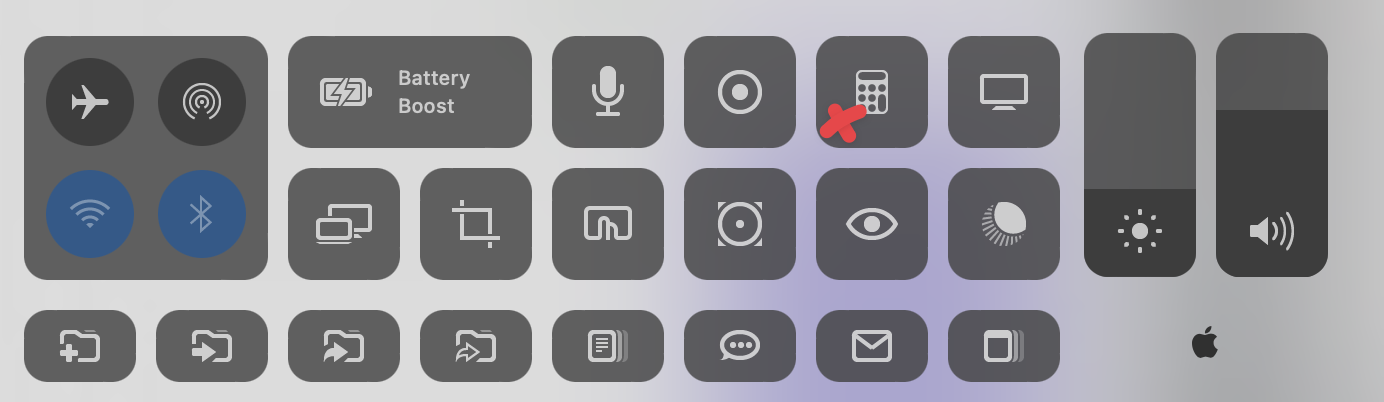
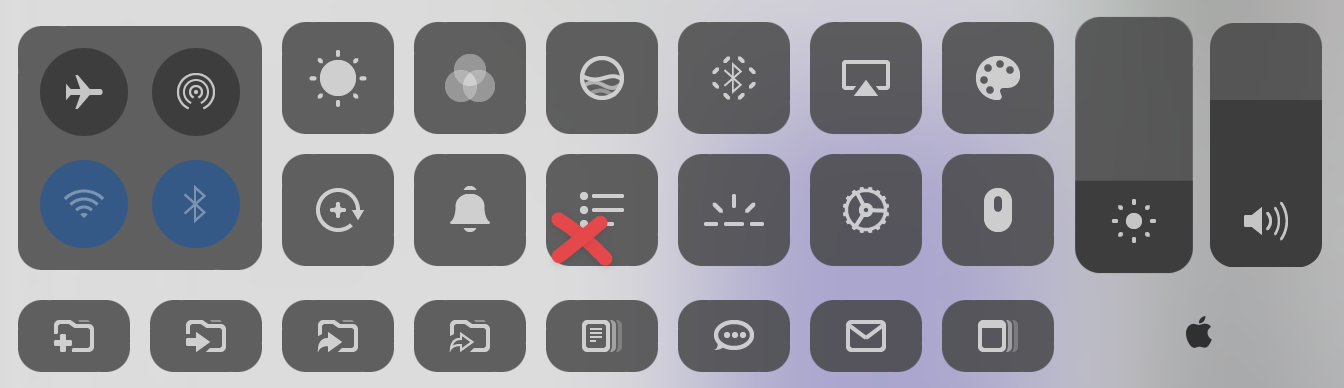
hi you send screenshot of macOS Control Center (im not developing it anymore), did you tried Daily tools on first post of this topic
Where to submit pull requests?
@Isaac_Spiegel hi, im only using here atm. you can send suggestions here. thanks for your interest,
which part you want to contribute?
you can use this format, i will merge
DT > DT.html > Line 399
if(VC(6)){
SysInfo=async()=>{
	let s=(await SS(`echo $(ps -Ao %cpu=|paste -sd+ -|bc)-$(sysctl -n hw.logicalcpu)-$(ps -caxm -orss=|awk '{sum+=$1}END{print sum/1048576}')-$(sysctl -n hw.memsize)`)).split("-")
	let st=(await AS(`tell app "Finder" to tell startup disk to (free space & "-" & capacity) as text`)).split("-")
	let BytesEx=(x)=>{
		let d = (Number.parseFloat(x.replace(/,/,'.'))/(10**9))
		if		(d>=1000){return ((d/1000).toFixed(1))+" T"}
		else if	(d<1000&&d>=100) {return ~~d+" G"}
		else if	(d<100) {return d.toFixed(1)+" G"}
	}
	let m=(n,v)=>{suright.children[n].innerHTML=v}
	m(0,"% "+(s[0]/s[1]).toFixed(1));
	m(1,(s[2]/1).toFixed(1)+" / "+(s[3]/(1024**3)).toFixed(0)+" G");
	m(2,(BytesEx(st[0]).slice(0,-2) + " / " + BytesEx(st[1])))
}
Hey, this is really cool, I had no idea this existed! Currently setting everything up. Thank you for putting this much work in to this :).
Thank you so much for the effort of making this OP! This allows me to move pass the new Macs not having touchbar any more!
Question: Ive installed the 0.8.2 ver and I can access it right after I install it at the sparking button on the bar, except it vanishes and I can no longer access it after the initial click, is there a certain setting that has to be set of this tool to stay functioning?I am not sure how to change the settings in BTT app as it doesn't seemed to be showing. Ive tried reinstall but issue persists:
Install
menu tiles shows after first click of sparking button
menu tiles no longer showing after second click of sparking button
@Trans-amers
can you send a screenshot when it opens. is there any info missing on buttons? maybe hiding one of these will fix next launches; battery widget, time machine widget, system stats widget. I'm planning to remove many features from this to simplify preset but i havent enough time yet
I had this happen to me as well. I figured it was because I am on version 15.1.1. Not sure what the other user is running
when i try clicking on the icon, nothing works. i have followed all the requirements but it still isnt working.
do yk how to get this thing to work? im clicking on the icon and it doesnt activate it
yeah this thing straight up doesnt even work. can't even open the damn icon. now im just pissed at myself for trying to even get this thing to work for 1 hour
@recky021 i didnt update code for new macs, thats why its not opening. i assume it will not happen soon