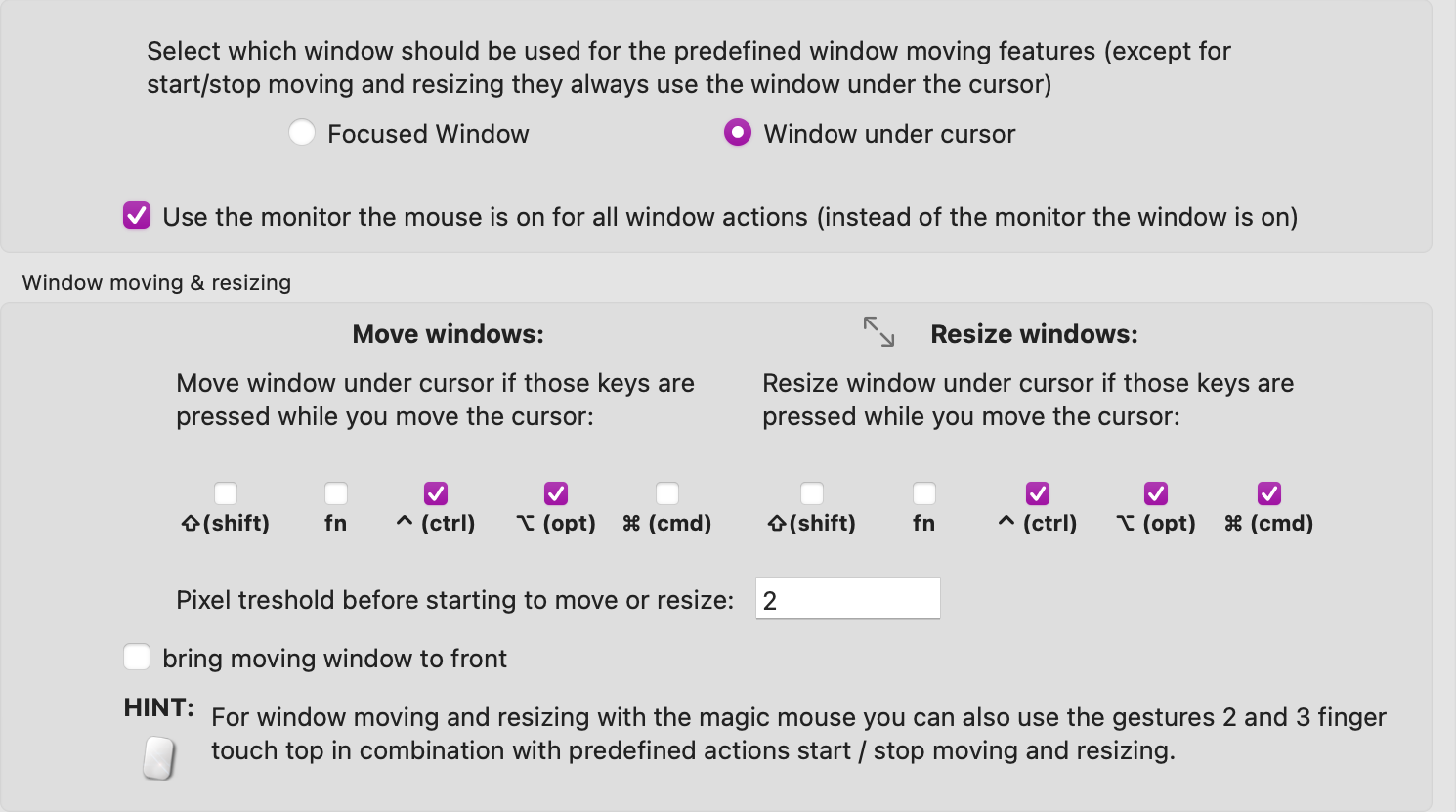
The official Telegram app does not respond to the modifier keys I set for moving and resizing the window. None of the other apps I use seems to have this issue. Is there something I can do to make Telegram behave?
Additional information (e.g. StackTraces, related issues, screenshots, workarounds, etc.):
I haven't found a workaround yet. I enabled full accessibility access in System settings to see if that would make a difference. I also tried it with different modifier combination, but no difference.
I just wanted to add that for me, moving & resizing the Telegram window works IF (and only if) the cursor is on the menu bar. When on any other part of the window, neither moving nor resizing works. Note the moving/resizing continues to work if the process started on the menu bar, i.e. if I resize and keep the modifier key pressed, the resizing continues even if I leave the menu bar.
I've started to use more actions for Window Under Cursor recently and noticed issues with several apps. It seems to me that this window detection is faulty in some apps.
Telegram: works only when the cursor is on the menu bar
MS OneNote: doesn't work when the cursor is on the note editor ("edit" cursor)
MS Teams: a bit glitchy in a few places, but mostly seems to work
The workaround is to use Active Window actions. This might not be easy for Minimize Window, for example. For Minimize Window I ended up using a global system shortcut in Keyboard Shortcuts.
Until this is fixed, I'm switching to Active Window actions. I like Windows Under Cursor actions though.