6.959 adds a feature I have always wanted but only recently came across a way of making it possible: virtual side screens. I have used it all the time since I created it, especially while on my Macbook without external display it has been amazing.
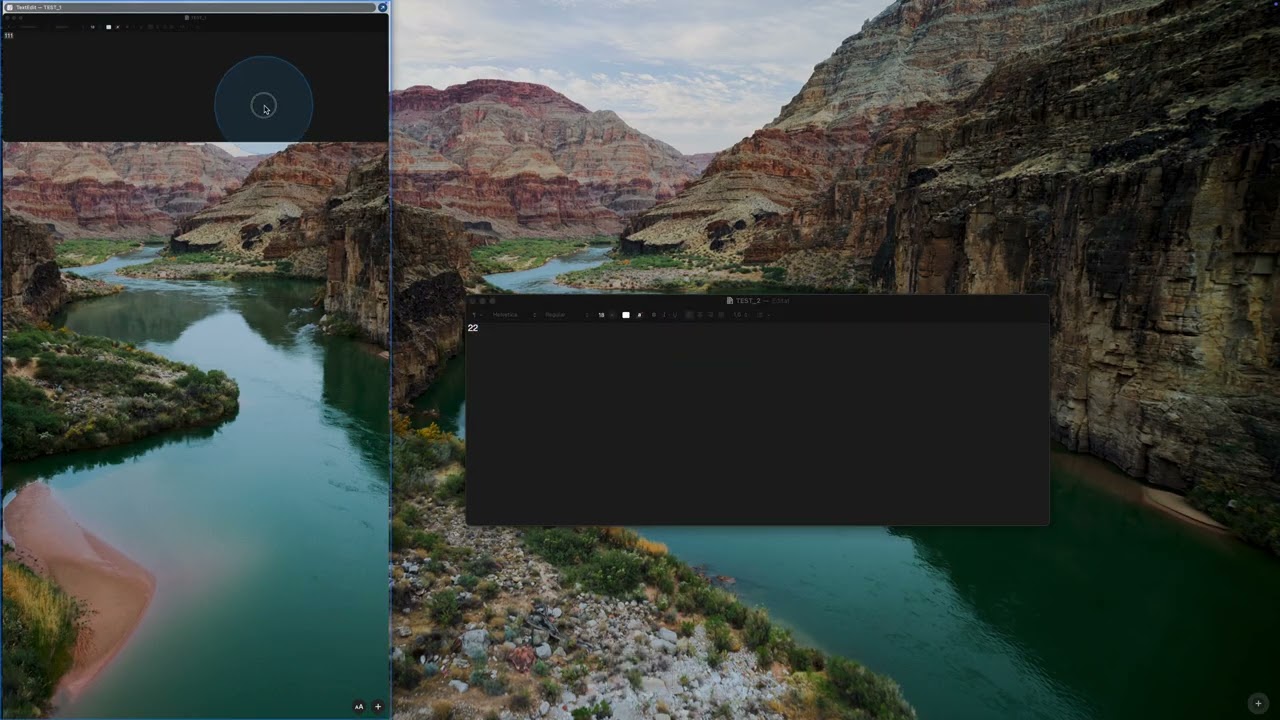
Using the predefined action "Show / Hide Side Screen" you can slide in a virtual screen in which you can place windows in - it auto arranges them above each other. These windows will stay fully interactive, just tucked away in that little slide-in panel. Have a look at this video:
This might require a current macOS version to work
I’m looking forward to trying it out. At the moment, I can’t really imagine how it will work in practice or whether I’ll find it useful at all. It reminds me a bit of what I expected Stage Manager to be, but that turned out to be completely unusable and pointless for me.
The idea is quite different from stage manager. I mostly use it to place windows that I need for quickly referencing stuff but don't need to have visible on my main screen.
So quickly toggling the virtual side screen allows me to look at these windows, copy stuff from them and then hide the virtual screen again.
A bit like spaces but without the full context switch involved in switching a space.
This looks very exciting and I will try to replicate iPads slideover feature for Notes and Calendar for this.
I am a bit concerned about the performance implications of having a virtual display. I used to have a 4k + Mac display running which slowed my computer especially during video calls with screen shares. I switched to only the 4k which has helped. Have you done some tests regarding resource usage?
Mh I have always at least one 5k display connected to my MBP and have not faced any performance issues with that since at least the M1 (although I remember issues with my Intel MBP back when I still needed to use MS Teams)
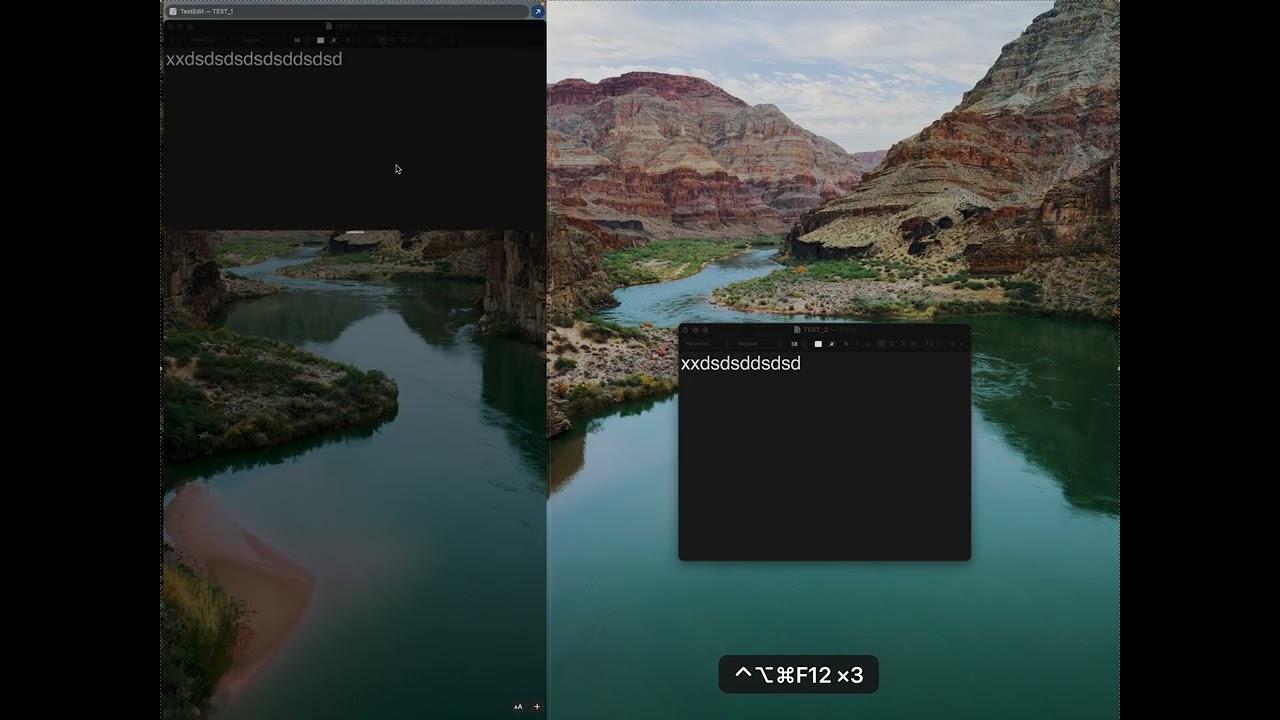
⌃⌥⌘F12 moves inside/moves outside the focused window to the side screen
I am facing two issues. You can see them in this video:
Isssue 1: The window inside the side screen is only editable/acessible the first time it is moved to the side. After that first movement, I can't access the content of the window. Also it is not responding to the shortcut to be moved outside the side. I can only move it outside clicking the button of the side screen.
Isssue 2: Sometimes, clicking the shortcut to move a window outside the side screen is not working. Instead of moving the window, a transparent square appears in the desktop. You can see this behaviour at the end of the video.
I think the first should be fixed im the latest build (I encountered the same and worked on fixing it earlier today - it is however a tricky issue, if it still happens for you please let me know)
ah sorry, I didn't notice you are still on macOS 15. These things use very tricky window manager interactions and AFAIK they only work on macOS 26 or higher (and I only tested on macOS 27). It is very likely things won't work well on macOS 15 and it is also quite unlikely that I will work on them because I only have macOS 15 running in a VM nowadays.
Done in 6.974 - however most likely the shadow window was/is not the problem. I also added a code path to use some focusing code that I have been using on macOS 15 in other BTT features - that might fix the more likely issue.
The side screen is working better now on my macOS 15. See the video below.
Now I can access the window inside the side screen, but I have always to click twice: it seems that the first click changes the focus to the "btt-side-screen" and the second click changes the focus to the window inside the side screen. It would be better if the first click on the window-inside-the-side-screen could bring the focus directly to that window.
Clicking an outer window brings the focus to that window at the first click, so the double click is only necessary inside the side screen.
At the end of the video you can see that a transparent window is shown again (what I posted previously as issue #2). Then I thought that this window was the "btt-side-screen-shadow" window, but it seems that this transparent frame is another thing.
A MacBook Air M2 with only 16GB of ram. I've been noticing a few sluggishness issues lately for other reasons especially during calls and screensharing.
1.- It would be possible to add an option for the action "Move back from the side screen" to move back all the windows that are inside the side screen at once? That would be very handy.
2.- As you can see below, if I add too many plugin windows to the side screen, some end up overlapping others:
Aside from the clutter, some bars containing the "detach" button appears in the middle of the window instead of at the top. You can see this happen with the window I move out of the side screen at the end of the video.
It would be awesome if the plugins added to the side screen were stacked one below the other—resizing only in terms of width—so that I could scroll up and down to switch between plugins and comfortably interact with their controls directly from the side screen.
Do you think this could be done? Perhaps by defining a height for the side screen, in addition to its width?